
Seen first
Put your most profitable tours where visitors look first.
Create image-led campaign cards for early booking, holiday tours or special deals. They appear in your homepage's featured area and your campaigns page, and visitors who click go straight to the tour.
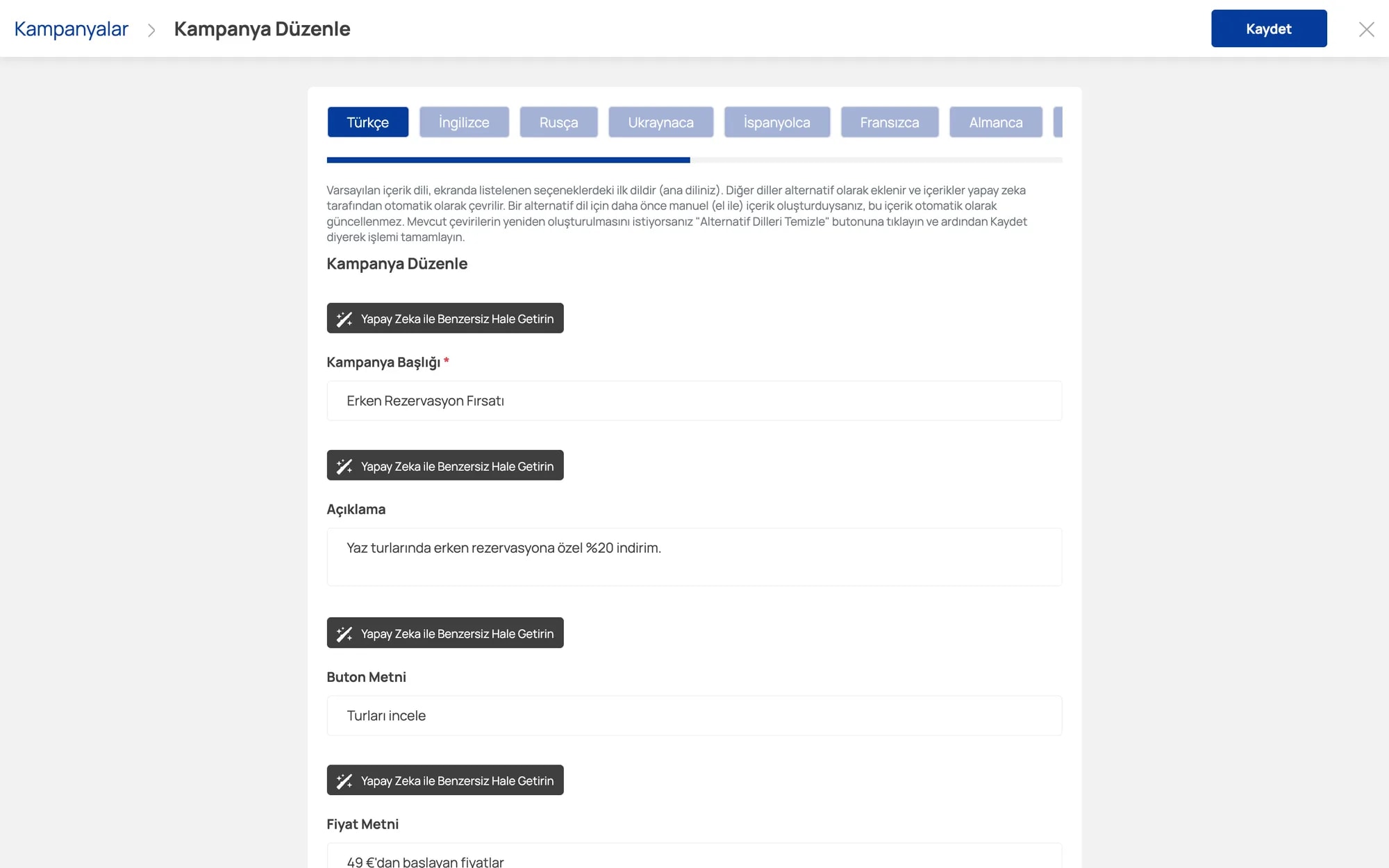
Write the title, description, button text and price text like "from €49". Polish the copy with AI and let it auto-translate.
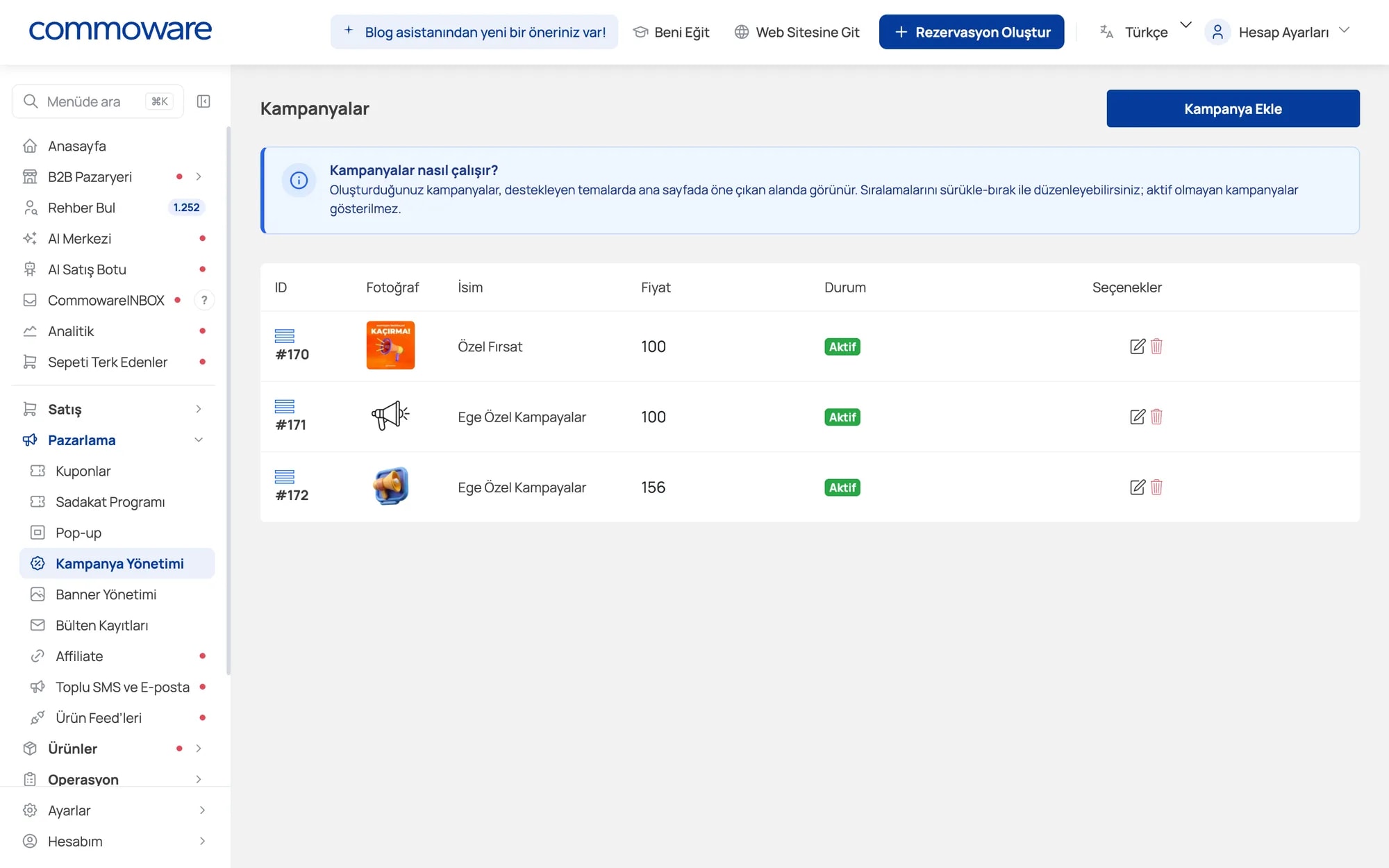
Drag and drop campaigns to reorder them. Inactive campaigns are hidden; switch them off in one click when the season ends.
Go to Marketing → Campaign Management → Add Campaign.
Enter the title, description, button text and price text and upload the image.
Link the campaign to a tour, category or another page on your site.
Show it on the homepage and/or campaigns page and set it active.
Put your most profitable tours where visitors look first.
Visitors who click go straight to the linked tour or category.
Change campaigns each season yourself — no designer or developer required.
Every tool is included in your Commoware plan — no extra module fees.
Percentage or fixed, time-limited discount codes for specific products and customers.
Pop-ups that offer coupons, collect emails and send visitors to your campaigns.
Bring customers back with points, reward coupons and instant discount rules.
Banners at the top of category and search pages that lead to your tours.
Give partners their own link and track sales, revenue and commission automatically.
Turn unfinished bookings into sales with automatic reminders and coupons.
Send campaigns to customers and newsletter subscribers from one screen.
Send your tours to Google and Meta ads automatically, with current prices.
Leave your details and our team will call you to plan the right setup for your agency.
On supported themes, in the homepage's featured area and, if you choose, the campaigns page. Inactive campaigns are hidden.
Yes, reorder campaigns with drag and drop in the list.
A campaign is a visual announcement on your site that links to a tour. A coupon is a discount code applied at checkout. You can use both together.